Creating engaging and educational materials for children can be a fun challenge. One effective way to help kids learn is by using tracing worksheets, which enhance their writing skills and hand-eye coordination. These worksheets can be easily customized to suit various learning needs.
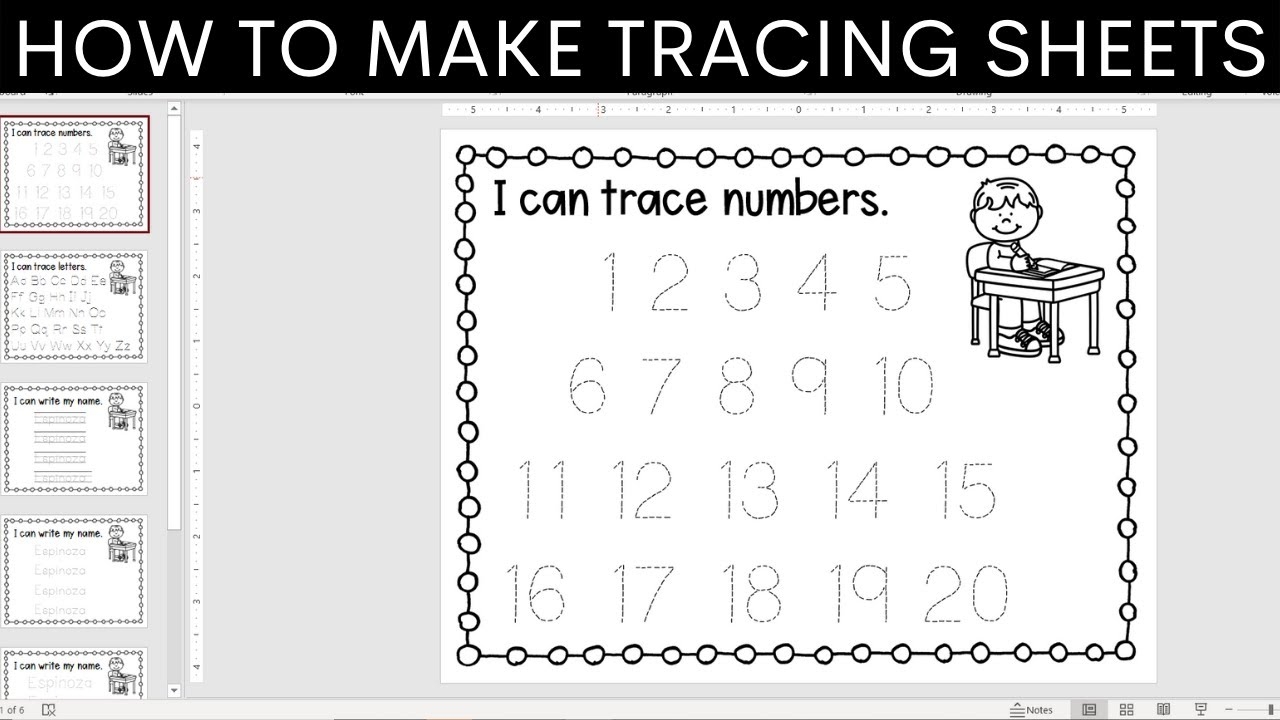
Create Tracing Worksheets Microsoft Word
Create Tracing Worksheets Microsoft Word
To start, open Microsoft Word and select a blank document. Choose a suitable font that is easy to read, such as Arial or Comic Sans, which are great for young learners. Adjust the font size to ensure clarity.
Next, type the letters or words you want children to trace. Use a light gray color for the text, making it easier for kids to see their own writing over it. This technique encourages them to focus on forming letters correctly.
Incorporate fun graphics or images related to the words being traced. This not only makes the worksheet visually appealing but also helps children associate words with pictures, enhancing their learning experience.
Finally, save your document as a template for future use. You can easily modify it by changing the text or images, allowing for endless customization options tailored to different subjects or themes.
Creating tracing worksheets in Microsoft Word is an enjoyable way to support children’s learning journeys. With a little creativity and effort, you can produce resources that make writing practice both fun and effective.
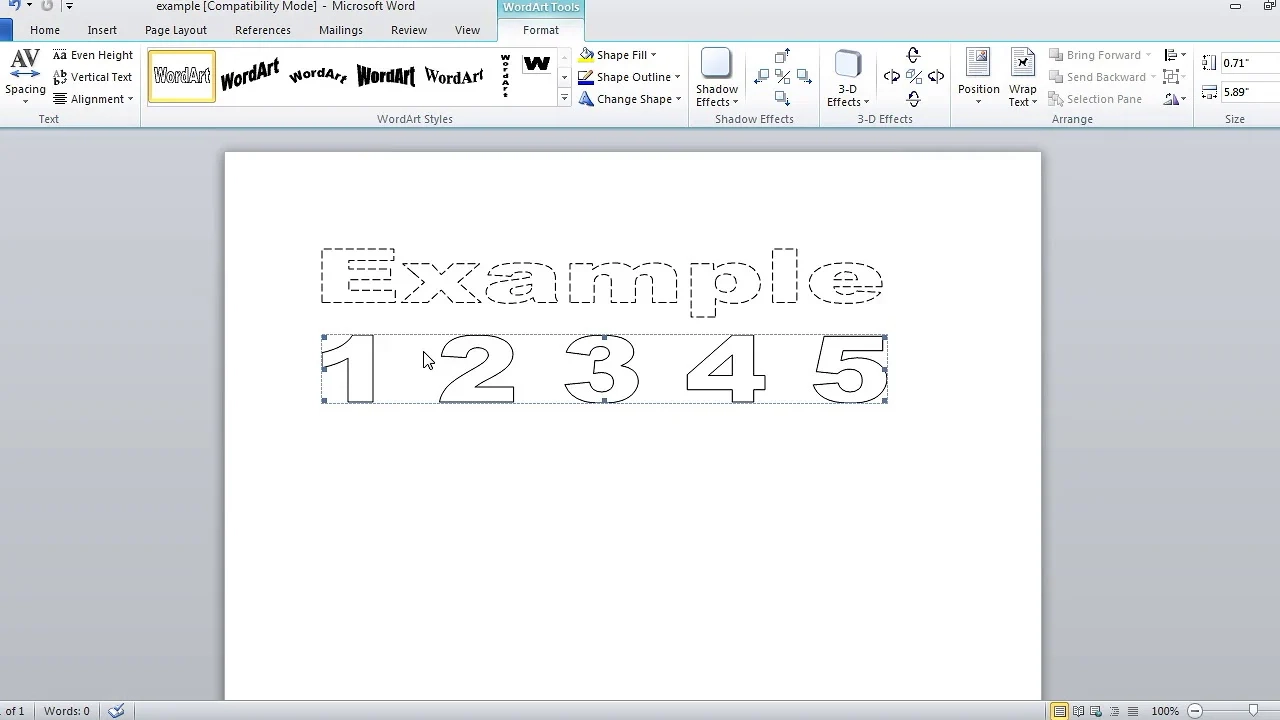
How To Make Tracing Letters In Microsoft Word 2010 Softwareg au
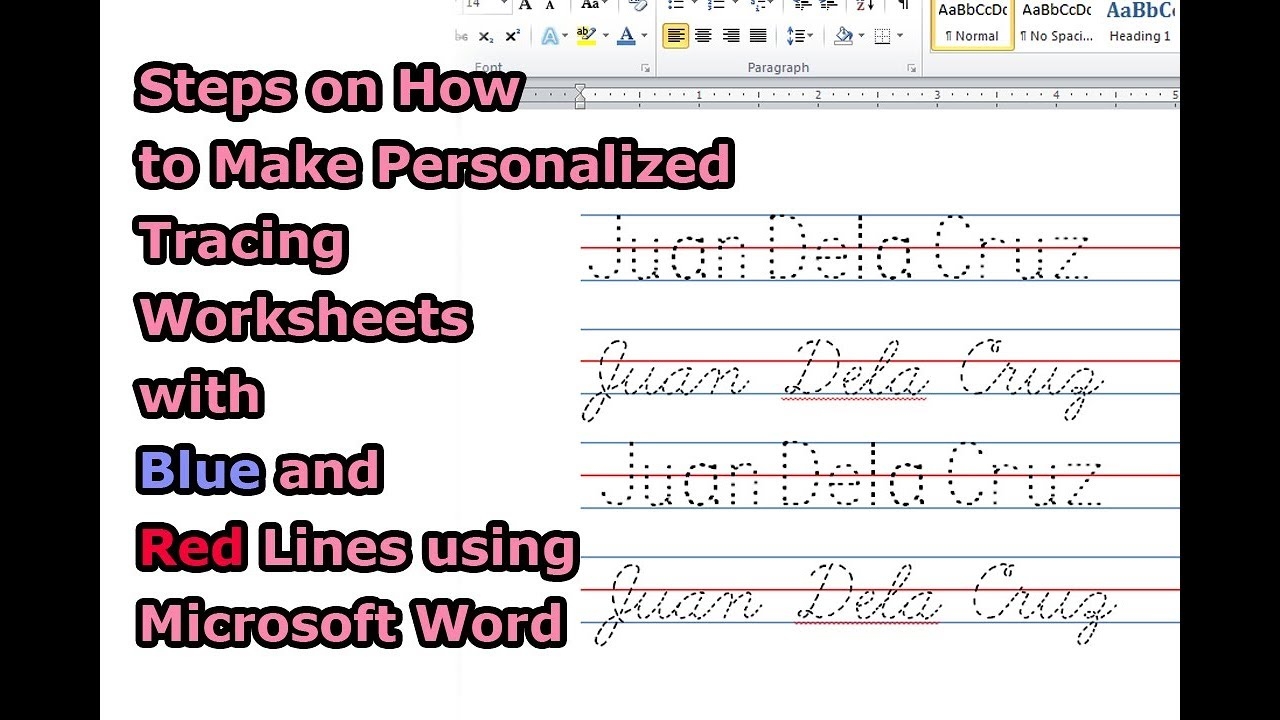
Steps On How To Make Personalized Tracing Worksheets With Blue And Red Lines Using Microsoft Word
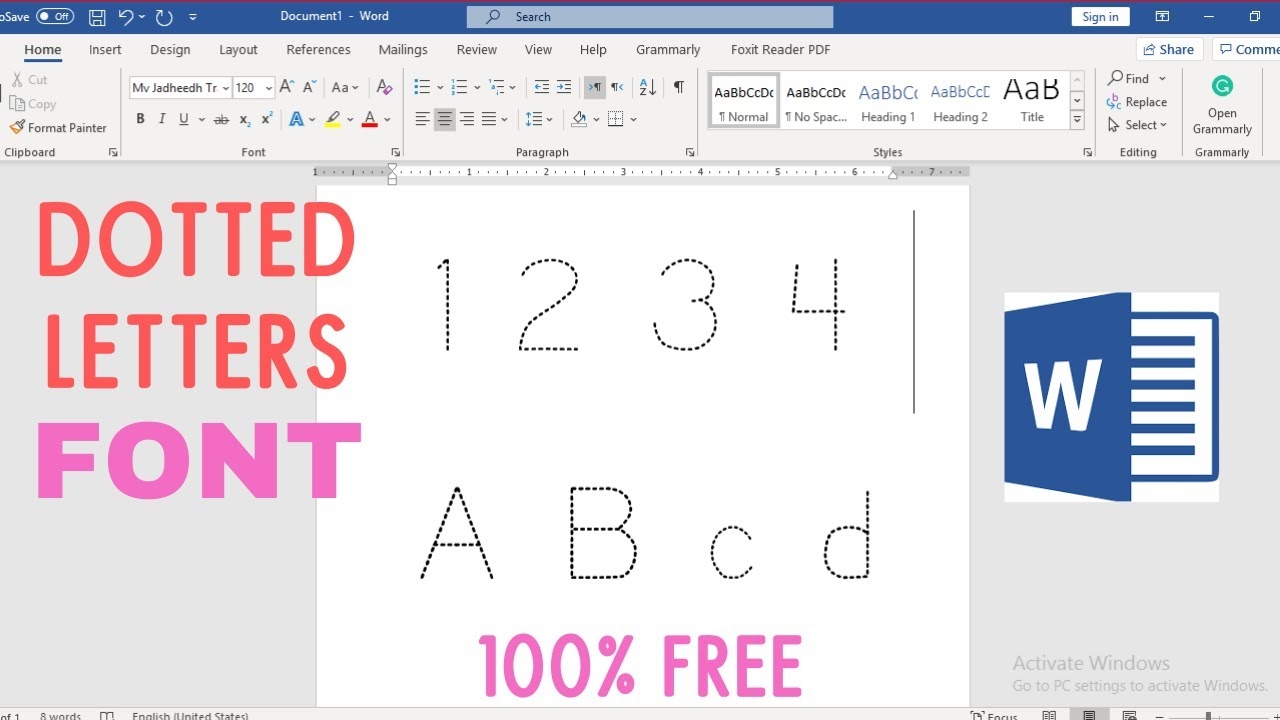
How To Make Tracing Letters In Word 2025 Dotted Letter Fonts Microsoft Word FREE
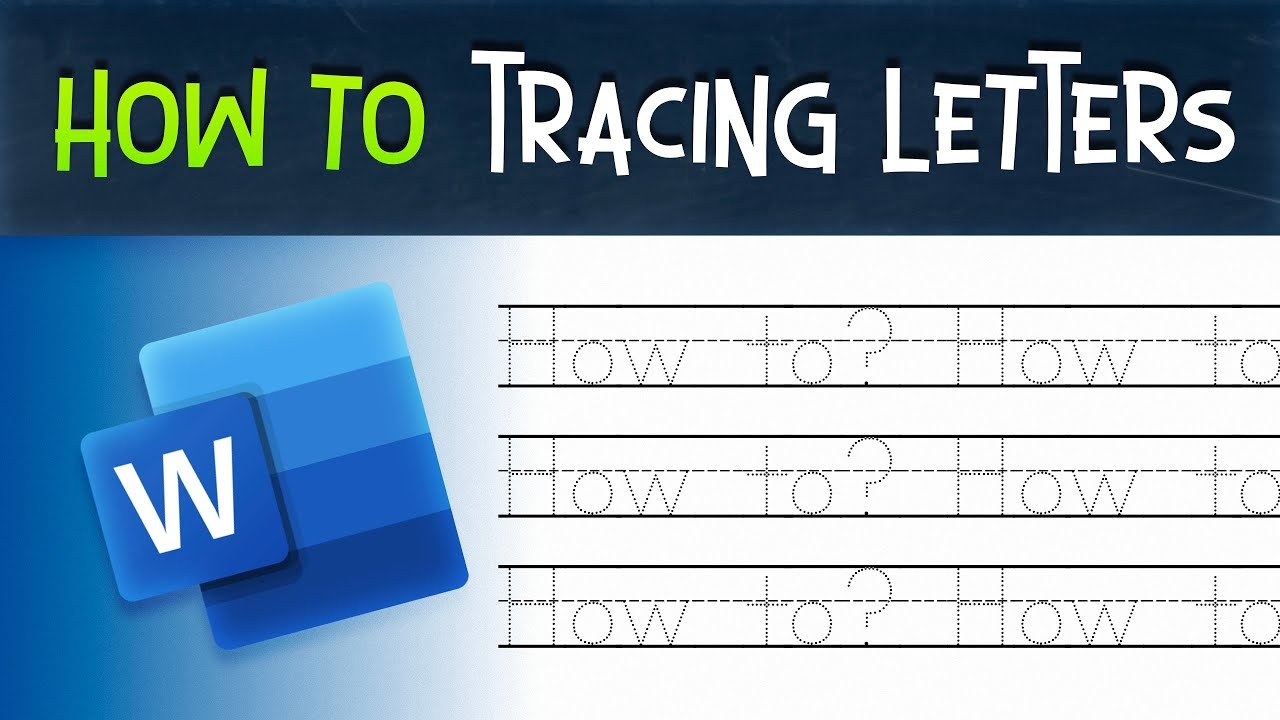
How To Make Tracing Letters In Microsoft Word 2024
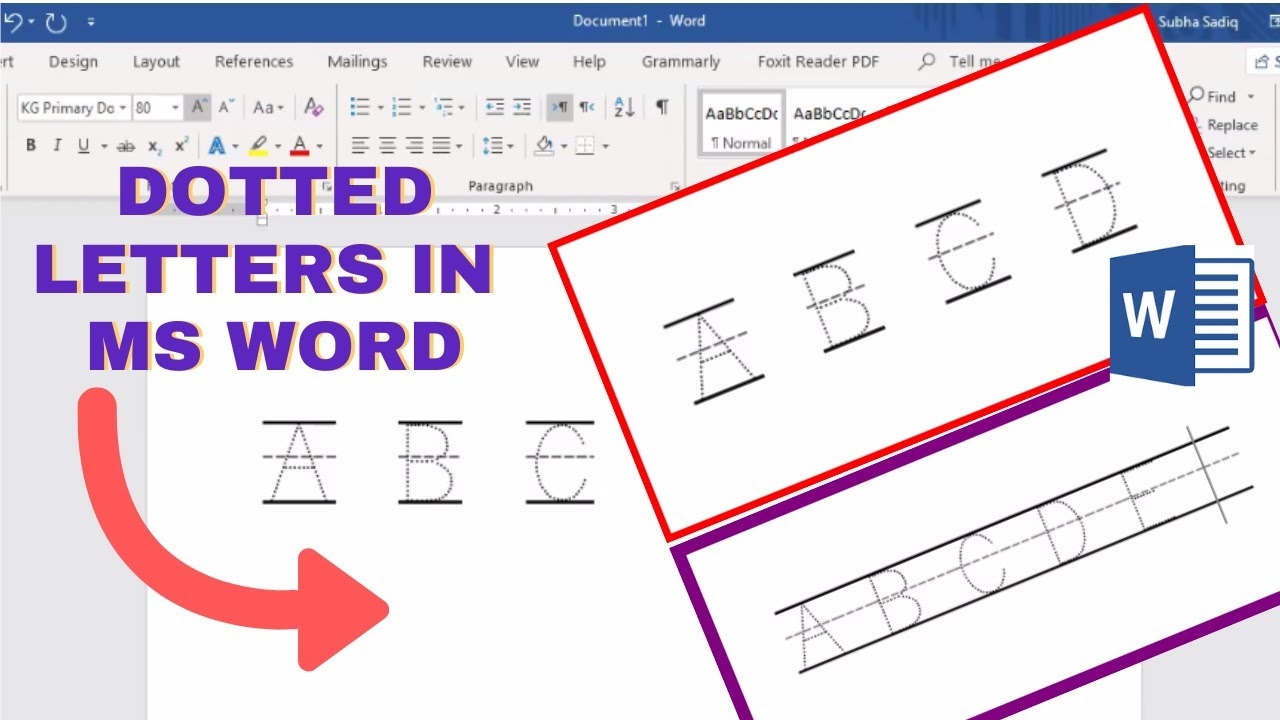
How To Make Tracing Letters In Microsoft Word 2025 Dotted Letters In MS Word